
How to create loyalty cards for Apple Wallet & Google Wallet
What is a digital loyalty card (Wallet pass) and why it drives repeat visits
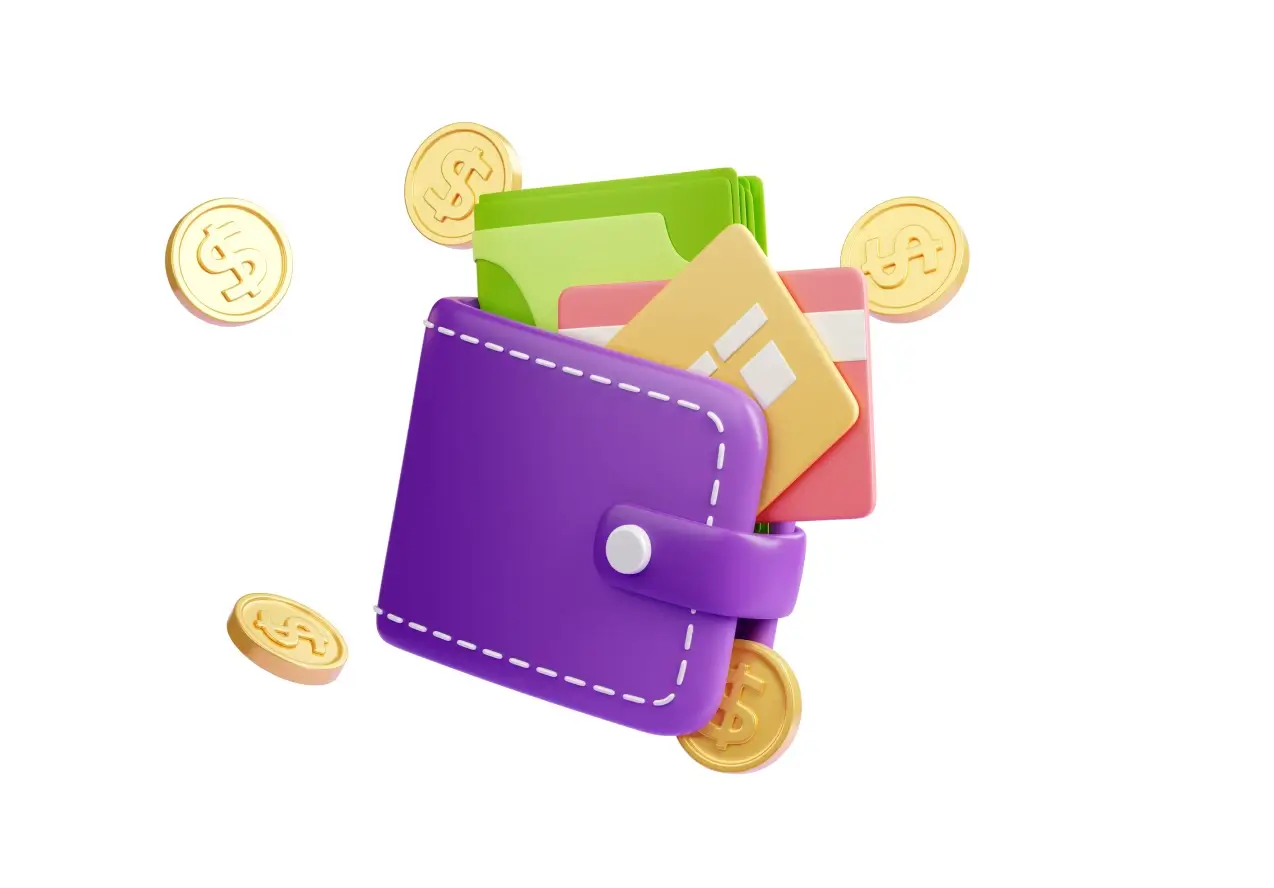
A Wallet pass is a digital card your customer keeps on the phone to earn points, redeem rewards and receive updates instantly. It removes friction, increases adoption and improves redemption compared to plastic cards or email-only flows. For venues, it translates into more repeat visits, higher redemption and clear attribution.
Apple Wallet vs Google Wallet: key differences and requirements
Apple Wallet (PassKit): build a signed .pkpass with pass.json, brand assets and locales. Supports 2D barcodes (QR, Aztec, PDF417) and real-time updates. Google Wallet (API): model a Class (template) and an Object per user; distribute via Add to Google Wallet button/link across web, email or SMS; supports real-time sync. Coverage: ship both to maximise iOS/Android reach and adoption. Brand compliance: follow badge/spacing rules for higher conversion.
How to create an Apple Wallet loyalty card (step by step)
- Data model: user ID, points balance, next reward, expiry and terms.
- Design: strong contrast, clear hierarchy; points and “X left to redeem” above the fold.
- pass.json: visible fields, theme, and barcode (QR recommended).
- Sign & package the .pkpass.
- Distribution: Add to Apple Wallet button, in-store QR, post-purchase email/SMS.
- Updates: push pass updates for balances, tiers and rewards.
How to create a Google Wallet loyalty card (step by step)
- Issuer onboarding and API keys.
- Loyalty Class: branding, fields, tiers and rules.
- User Object: unique ID, balance, status and dates.
- Add to Google Wallet link/button for web, email and SMS.
- Real-time sync for points, coupons and expiries.
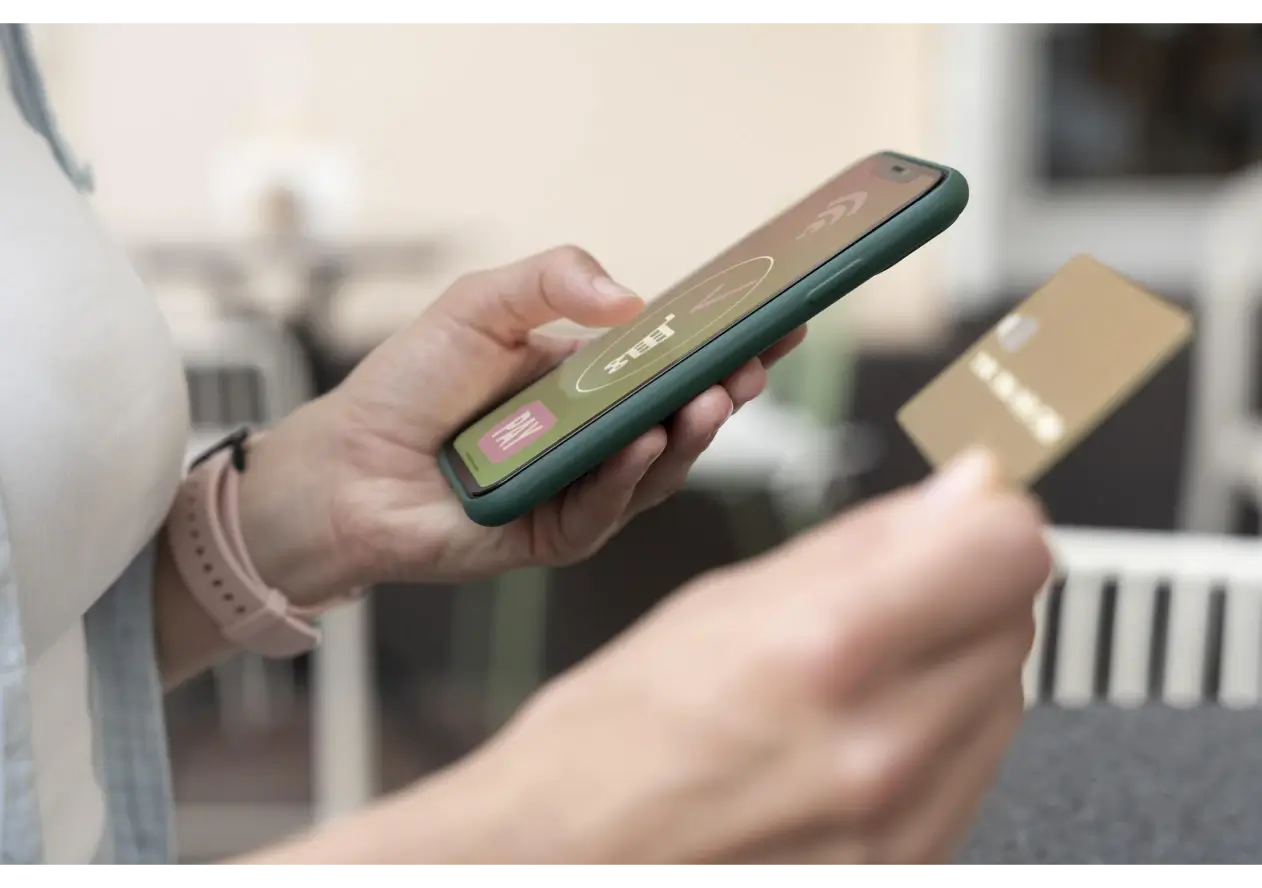
Design & UX for loyalty cards: best practices that convert
- Single message: “Your club on your phone. Earn and redeem.”
- One CTA per screen (Add to Wallet) to reduce friction.
- Above the fold: points, next reward and QR.
- Microcopy: “Only 20 pts left for your free burger.”
- Accessibility: AA contrast and comfortable type size.
- Real-world tests with your scanner under different lighting conditions.
Distribution to drive installs: web, QR, email and SMS
- In-store: QR at counter, on receipts and packaging; staff script of 10 seconds to invite customers.
- Web/checkout: home banner and post-purchase prompt.
- Email/SMS/WhatsApp: welcome bonus and reminder if the card isn’t saved.
- Win-back flows: extra points if they return within the week.
- Per-user unique codes to prevent fraud and ensure clean attribution.

KPIs for Wallet loyalty cards: installs, redemptions and repeat rate
- Installs and active passes.
- Redemptions (by campaign and lifetime).
- Repeat rate and time to 2nd purchase.
- AOV uplift.
- Pass update CTR and in-window redemption rate.
- Cohorts: compare Wallet vs non-Wallet customers.
Common mistakes and how to avoid them
- Non-compliant Add to Wallet buttons → lower conversion and potential rejection.
- 1D barcodes → use 2D (QR/Aztec/PDF417) for reliable scans.
- Overloaded cards → keep points, next reward and QR on top.
- No device/scanner testing → validate before launch.
Promotty: digital loyalty cards for Apple Wallet & Google Wallet
With Promotty you can launch and manage a digital loyalty card—no native app required—fully compatible with Apple Wallet & Google Wallet.
What it enables:
- Fast issuance: card design, unique QR codes and Add to Wallet buttons.
- Automations: welcome bonus, birthday flows, win-back (“it’s been X days”), and tier-based campaigns.
- Real-time updates: points, rewards and expiries synced on the pass.
- Omnichannel distribution: website/checkout, in-store QR, email, SMS and WhatsApp.
- Segmentation: by visit frequency, AOV, location, campaign or customer tier.
- Actionable KPIs: installs & active passes, redemptions, repeat rate, time to 2nd purchase and AOV lift.
- Multi-location & staff: per-store rules, user roles and permissions.
- GDPR-ready with simple opt-in/opt-out.
When to use it: when you need more repeat business and measurable redemptions with a minutes-long setup. For a practical, event-driven example, see Promotty’s blog post on Burger Showdown 2025.
Apple Wallet and Google Wallet loyalty cards are a fast path to repeat business and measurable redemptions without forcing an app install. Integrating Wallet into your points programme increases adoption and clarity of results.
Join our Promotty community!
Subscribe to our newsletter to get the latest updates, exclusive offers, and expert tips.
Latest posts

How to find deals in stores near you without using coupons
Discover how to find real deals in stores near you without using coupons or discount codes. A practical guide to saving money locally using simple, digital solutions designed for everyday shopping.

Why customers are no longer loyal to brands
Why brand loyalty has changed and what makes customers come back today: Smart experiences, personalized offers, and active engagement as the pillars of modern customer loyalty.

What happens when you depend on instagram to sell (and why it’s dangerous)
Learn why building your business around algorithms and external platforms limits long-term growth, and how creating your own customer system gives you control, stability, and sustainable revenue.